
What an Automation Agency Actually Does for Small Businesses
Thinking about hiring an automation agency? Here's what they actually do, what to expect, and how to know if automation is right for your business.
You've heard the term "automation agency" in three LinkedIn ads and a podcast. Maybe a competitor mentioned they hired one. You're curious—but also skeptical. What do they actually do? Is this AI hype, or something real?
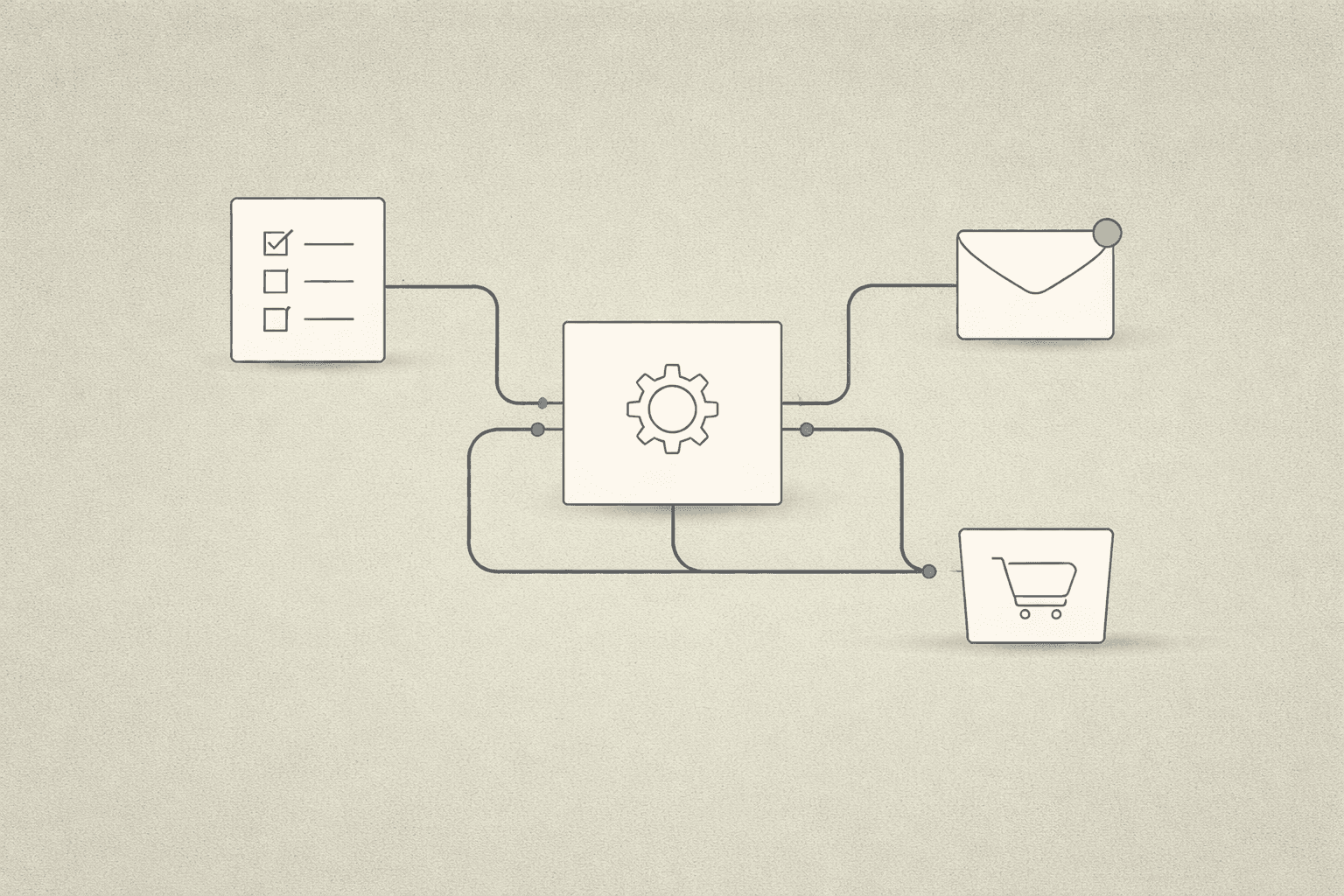
Here's the truth: automation agencies aren't selling magic. They connect your business tools, kill repetitive tasks, and make sure nothing falls through the cracks. That's it. But when done right, it gives you back 5-10 hours a week.
Let's break down what automation agencies actually do, what they don't do, and whether hiring one makes sense for your business.
What They Actually Do
An automation agency connects your business tools, eliminates repetitive manual work, and makes sure nothing falls through the cracks.
Here's what that looks like in practice:
1. They Connect Your Tools (So Data Flows Automatically)
Most small businesses use 5-10 different tools: CRM, email, calendar, website forms, spreadsheets, Slack, billing software, project management tools.
The problem: None of them talk to each other. A lead fills out your website form, but it doesn't auto-create a CRM entry. You manually copy-paste. Or you forget, and the lead disappears.
What an automation agency does: They build connections (called integrations or workflows) so when a lead submits a form, it automatically creates a CRM entry, sends a notification to your inbox, and triggers a follow-up email.
No manual data entry. No missed leads.
2. They Eliminate Repetitive Tasks (Not People)
How much time does your team spend on:
- Copying information from emails into spreadsheets
- Sending the same follow-up messages over and over
- Manually scheduling meetings back-and-forth via email
- Updating project status across multiple tools
- Reminding clients about upcoming appointments
What an automation agency does: They take these repetitive workflows and automate them. If you find yourself doing the same thing more than twice a week, it's probably automatable.
3. They Make Sure Nothing Falls Through the Cracks
Ever lose a lead because you forgot to follow up? Or miss a meeting because no one sent a reminder?
Good automation agencies build safety nets: workflows that ensure follow-ups happen, reminders get sent, and handoffs between team members are tracked.
Example: If a lead fills out your contact form and no one responds within 24 hours, the system sends a Slack notification to your team and escalates it.
What They Don't Do
Let's clear up some misconceptions:
They Don't Replace Your Team
Automation handles repetitive tasks. It doesn't replace judgment, creativity, or relationship-building.
What it does: Frees up your team to focus on high-value work instead of data entry.
They Don't Build "AI That Does Everything"
Despite the hype, most business automation isn't about ChatGPT writing emails for you. It's about connecting tools, routing information, and triggering actions based on rules you define.
Example of real automation: When a client pays an invoice, your CRM updates their status to "Active," calendar invites for kickoff calls are sent automatically, and your project management tool creates the first task.
They Don't Fix Broken Processes
Automation makes good processes faster. It doesn't fix bad ones.
If your lead follow-up process is unclear or inconsistent, automating it will just make the confusion happen faster.
What good agencies do first: Map out your current process, identify what's broken, fix it, then automate it.
What to Expect When You Hire One
Here's how a typical engagement works:
Step 1: Discovery
The agency asks: What tools do you use? Where do leads come from? What takes up the most time? What gets missed?
Goal: Identify the highest-impact automation opportunities.
Step 2: Process Mapping
They document how things currently work (even if it's messy).
Then they propose a cleaner, automated version. You review it before anything gets built.
Step 3: Build
They set up the integrations, test them, and make sure data flows where it's supposed to.
Step 4: Handoff & Training
They walk you through how the automation works and what to do if something breaks.
Good agencies document everything so you're not dependent on them forever.
How to Know If You're Ready
You're ready for automation if:
- You're spending more than 5 hours/week on repetitive tasks (data entry, follow-ups, scheduling)
- You're missing leads or follow-ups because things slip through
- Your team is manually copying information between tools
- You want to scale without hiring more people to do admin work
You're not ready if:
- Your processes are still changing week-to-week
- You don't know what you're trying to fix
- You think automation will solve strategy problems (it won't — it just makes execution faster)
What It Costs (Realistically)
Most small businesses spend between $2,000 and $8,000 for initial automation setup, depending on complexity.
Simple automation (form → CRM integration, email follow-ups): $2,000-$4,000
Complex workflows (multi-step pipelines, custom logic, multiple tool integrations): $4,000-$8,000+
Ongoing support: $200-$500/month if you want someone to maintain and improve workflows as your business changes.
Compare that to the cost of hiring an assistant at $15/hour for 20 hours/week ($1,200/month). Automation often pays for itself in 3-6 months.
Final Thought
Automation isn't magic. It's plumbing.
A good automation agency doesn't sell you hype. They ask what's broken, fix the process, and then build the connections so it runs without you.
If you're spending hours every week on repetitive admin work, automation in the DMV is worth exploring. The right workflows save time, prevent mistakes, and let you focus on growing your business.
What to Do Next
If this sounds like the kind of help you need, start with our AI automation service page and the workflow guide so you can identify the highest-ROI place to start.
If you are still deciding whether to fix the website or the workflow first, use this decision framework.
Ready to stop doing the same tasks over and over?
Cordexa builds custom automation workflows for small businesses in the DMV. Let's talk about what's taking up your time.
Schedule a Call→